Move with instinct.
Swipe left or right to switch lanes. Read the route, find the gap, keep moving.
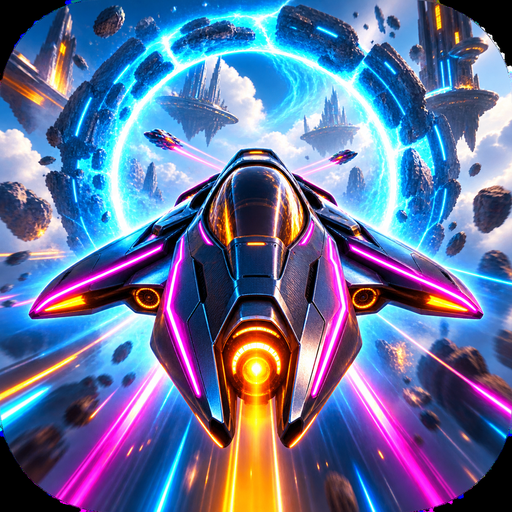 NEON RIFTSKYBREAK
ANDROID · COMMUNITY TEST
Three lanes. One perfect run.
Pilot the neon city, dodge the barriers,
and push your hovercraft into overdrive.
Closed test being prepared · Google Play approval pending
THE RUN
Collect shards, unlock craft and chase a cleaner run. Simple controls keep you focused on the next turn.
Swipe left or right to switch lanes. Read the route, find the gap, keep moving.
Hold the right side of the screen to trigger overdrive and build your run.
Take on missions, collect shards and unlock your next craft. Progress stays on your device.
On a phone, swipe the screenshots to see more
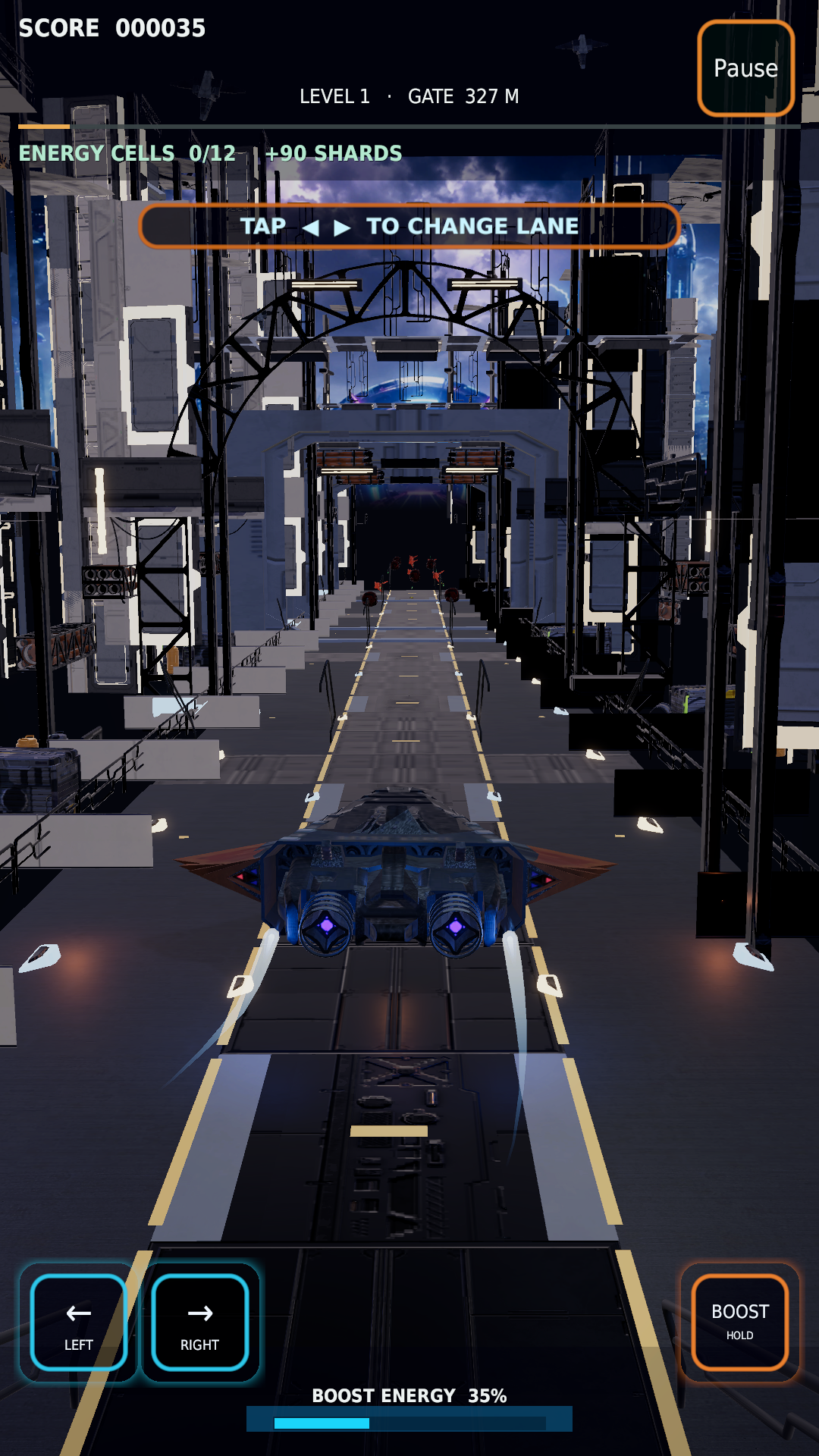
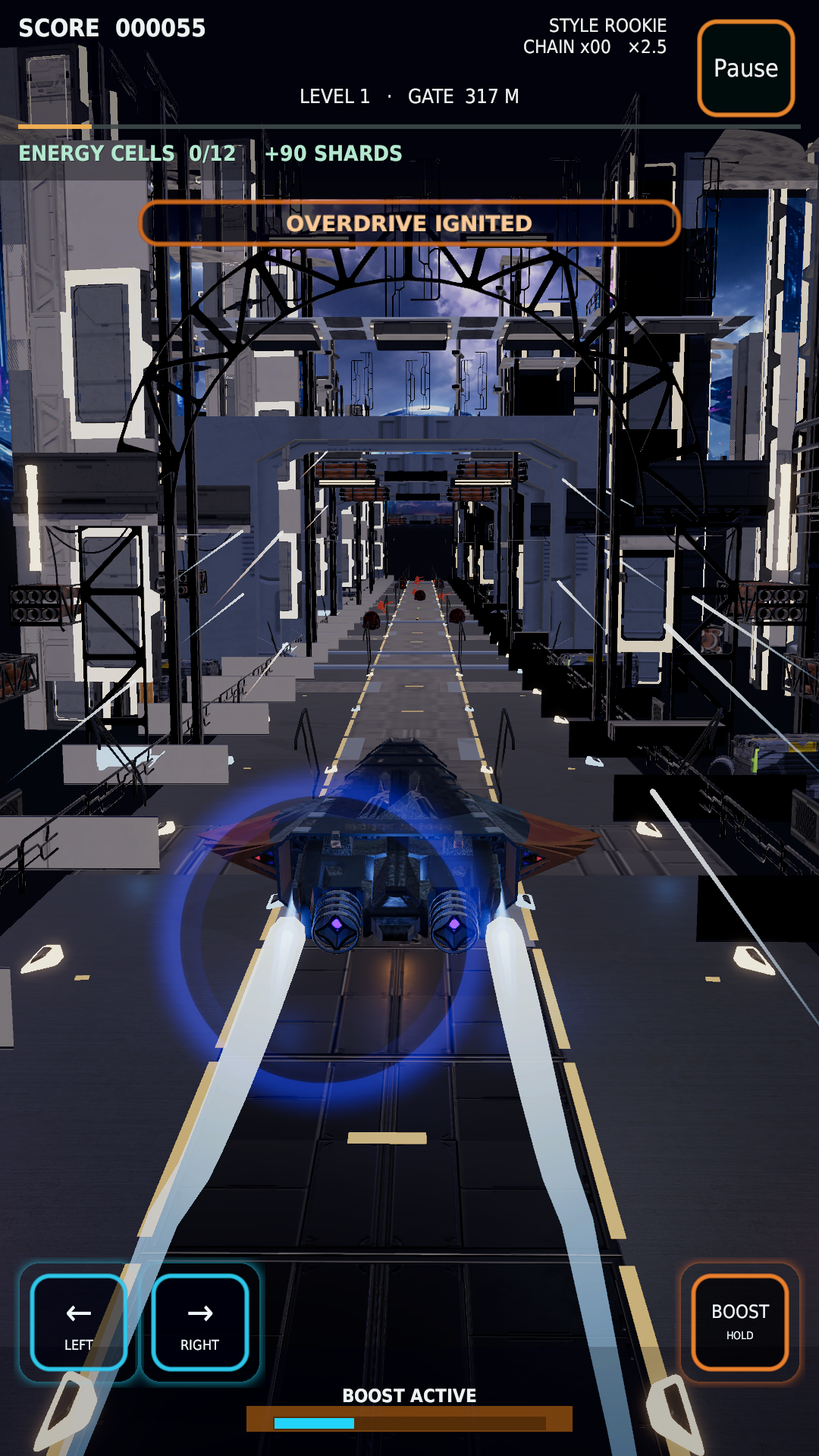
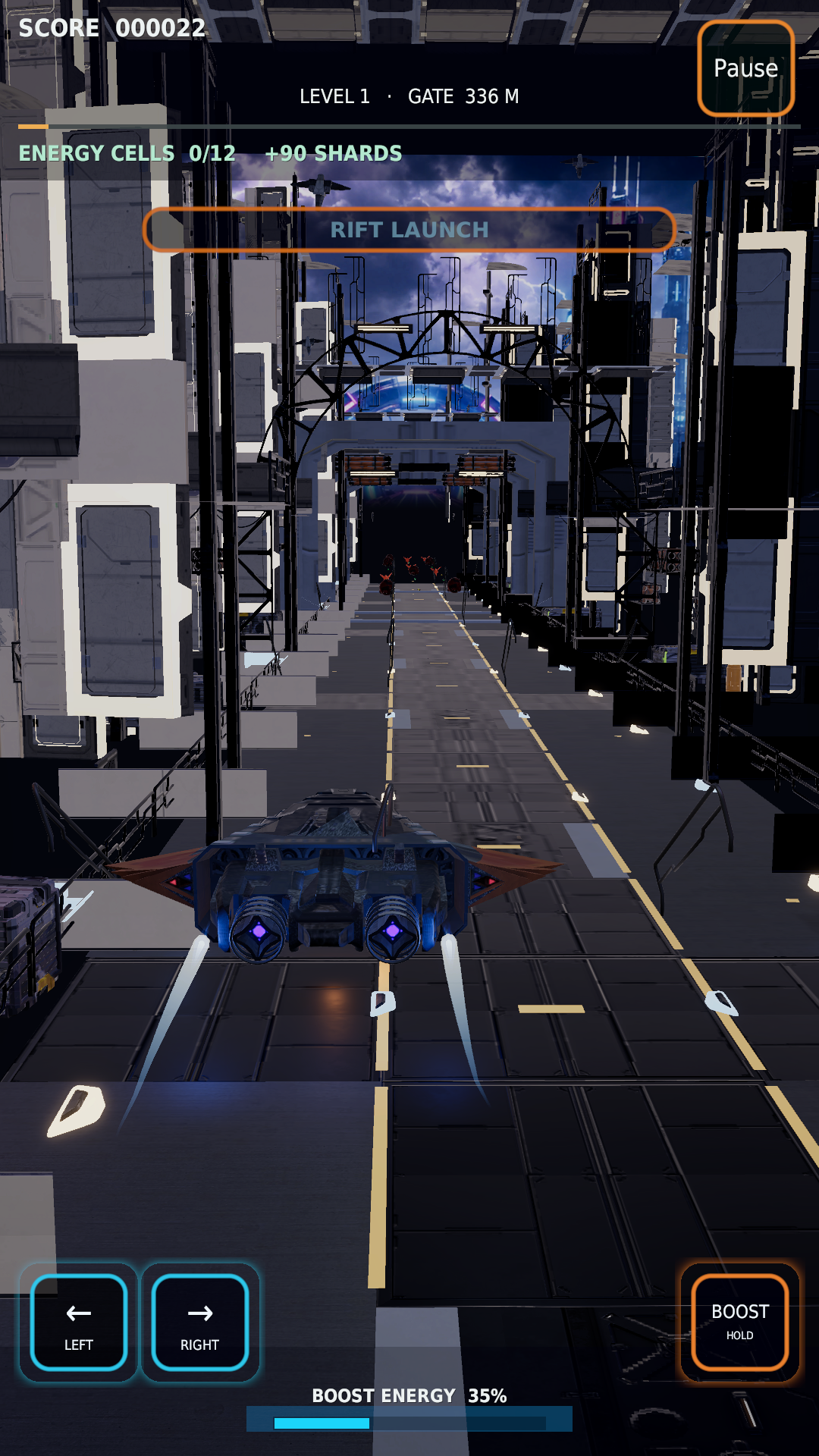
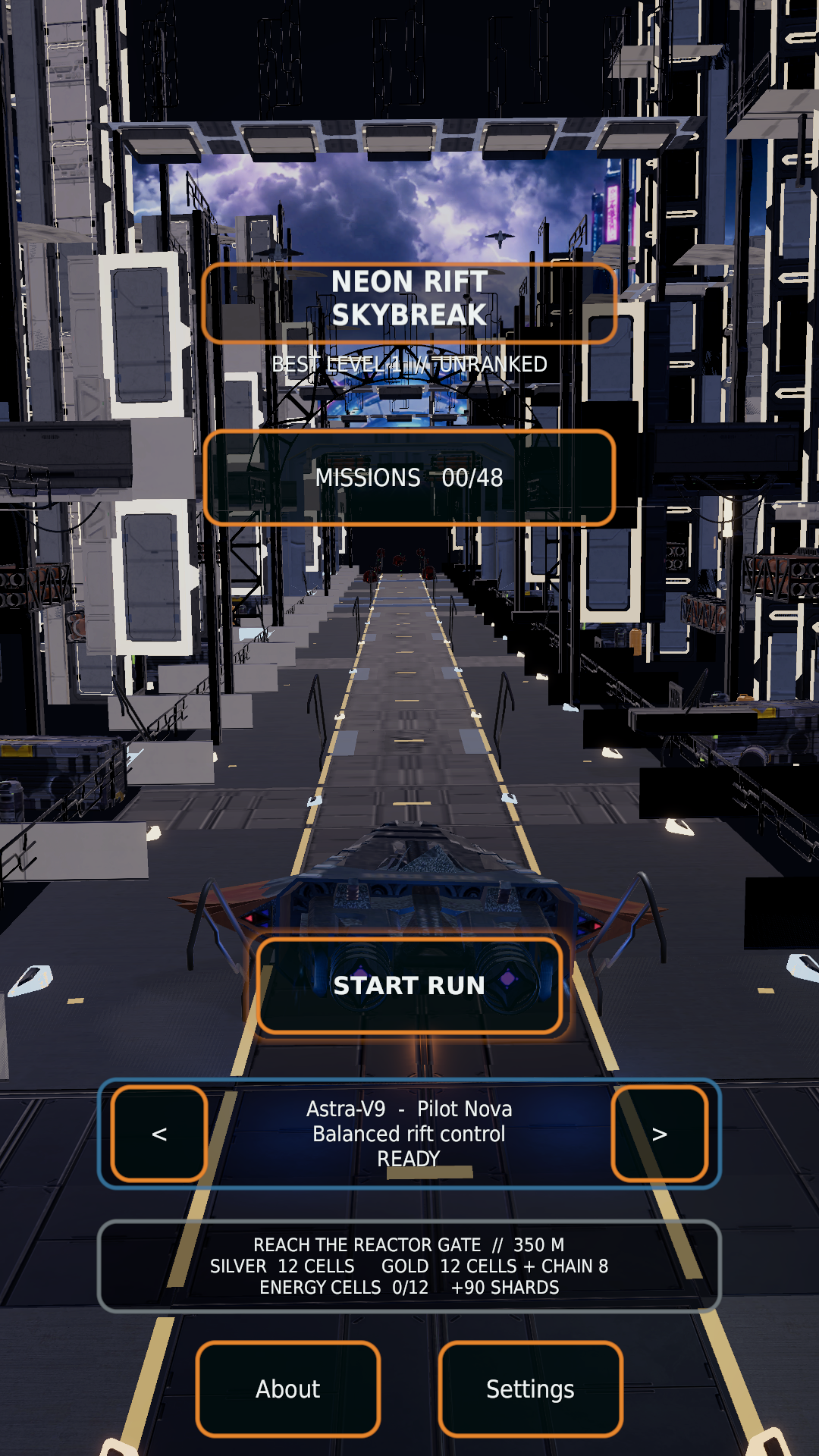
Actual game screenshots. Hero artwork is promotional artwork.
FIRST LOOK
A 24-second preview of the world of Skybreak.
Animated artwork and game screenshots; this preview is not a live gameplay recording.
Watch on YouTube ↗HELP SHAPE SKYBREAK
Join the community test and help us improve controls, clarity and performance across Android devices.
The testing group is open to join. The closed release has been submitted for Google Play review; installation becomes available after approval.
Open the testing group ↗ and choose Join group. Sign in with the same Google account you use in the Play Store.
After the closed release is approved, open the Google Play opt-in page ↗ and choose Become a tester.
On your Android phone, follow the download link on the opt-in page or open the Play Store listing ↗. Tap Install, then Play. This works after approval and tester opt-in.
Share your phone model, Android version and what happened in the testing group ↗.
BEFORE YOU PLAY
The community closed test is being prepared for review. The testing group is open to join; its Play opt-in link becomes usable after the release is approved and available. The existing internal test is limited to its approved testers.
To switch to the community closed test, first leave the internal test, then join the group and opt in using the same Play account after the closed release is available.
The current game plays offline and has no account sign-in, ads or in-app purchases. You need internet and a Google account to join the test and download it through Google Play.
While the closed release is pending, this is expected. After approval, check that you joined the group and opted in with the exact Google account selected in Play Store. You also need a compatible Android 8.0+ ARM64 device. If you are an internal tester, leave that test before switching. Access changes can take time to appear.
Scores, unlocks and preferences are saved locally. Clearing app storage or uninstalling may erase progress. See our privacy policy.
Include your phone model, Android version, graphics setting and the steps that caused it. Use the support page for a ready-to-copy report checklist.